
From inbound bill to posted payment, automatically
GenLedge Accounts Payable runs every bill through AI that reads, checks, matches, codes, and routes each invoice before it posts. Straightforward bills flow straight through, while anything uncertain lands in front of a person. Every decision is recorded, so you always have a full trace.
End-to-end invoice automation
AI codes every bill
Confidence-based review paths
Approvals stay in your control
Explore Accounts Payable
Everything below is a working part of the platform. Pick a capability to see what it does.
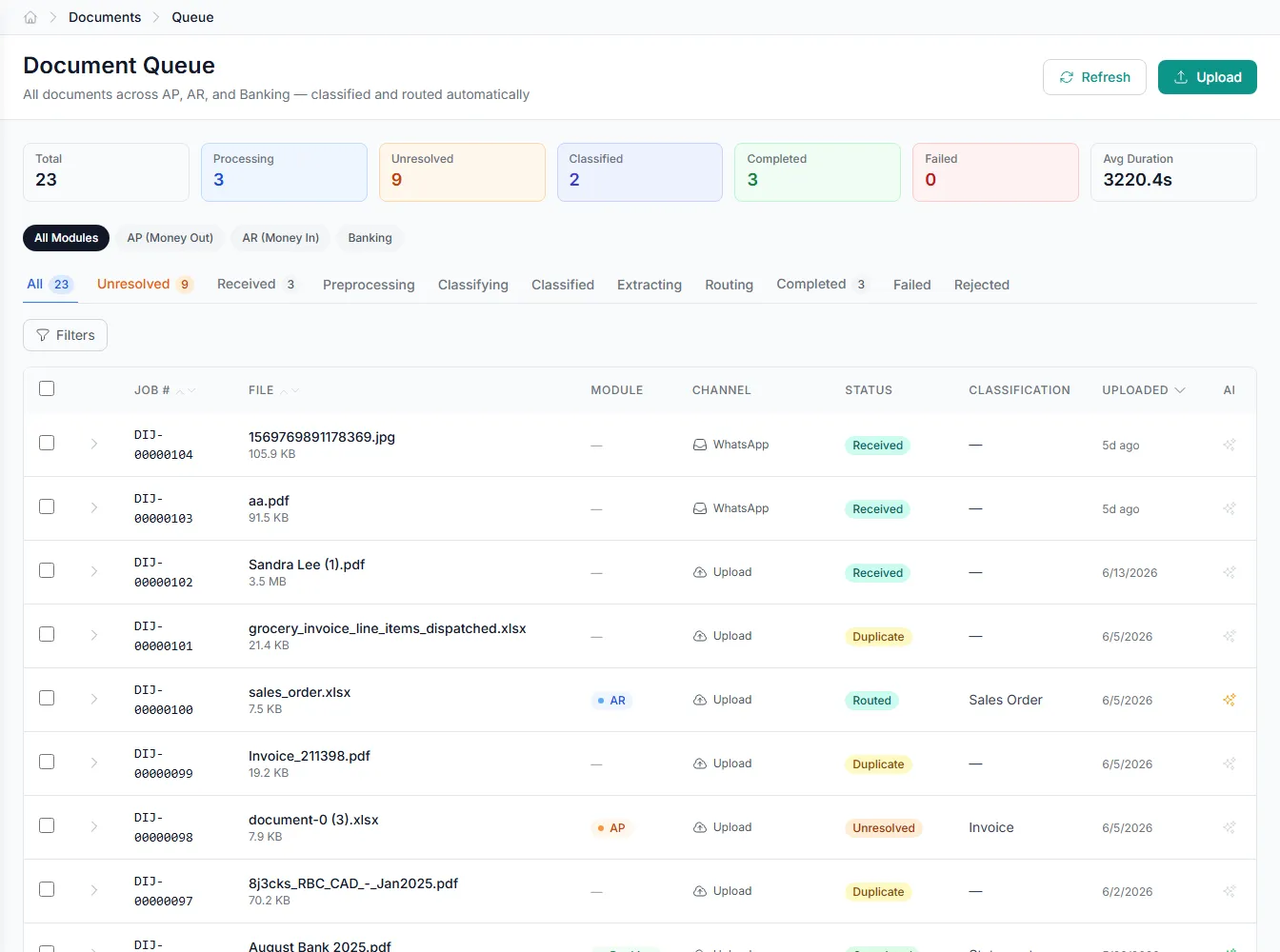
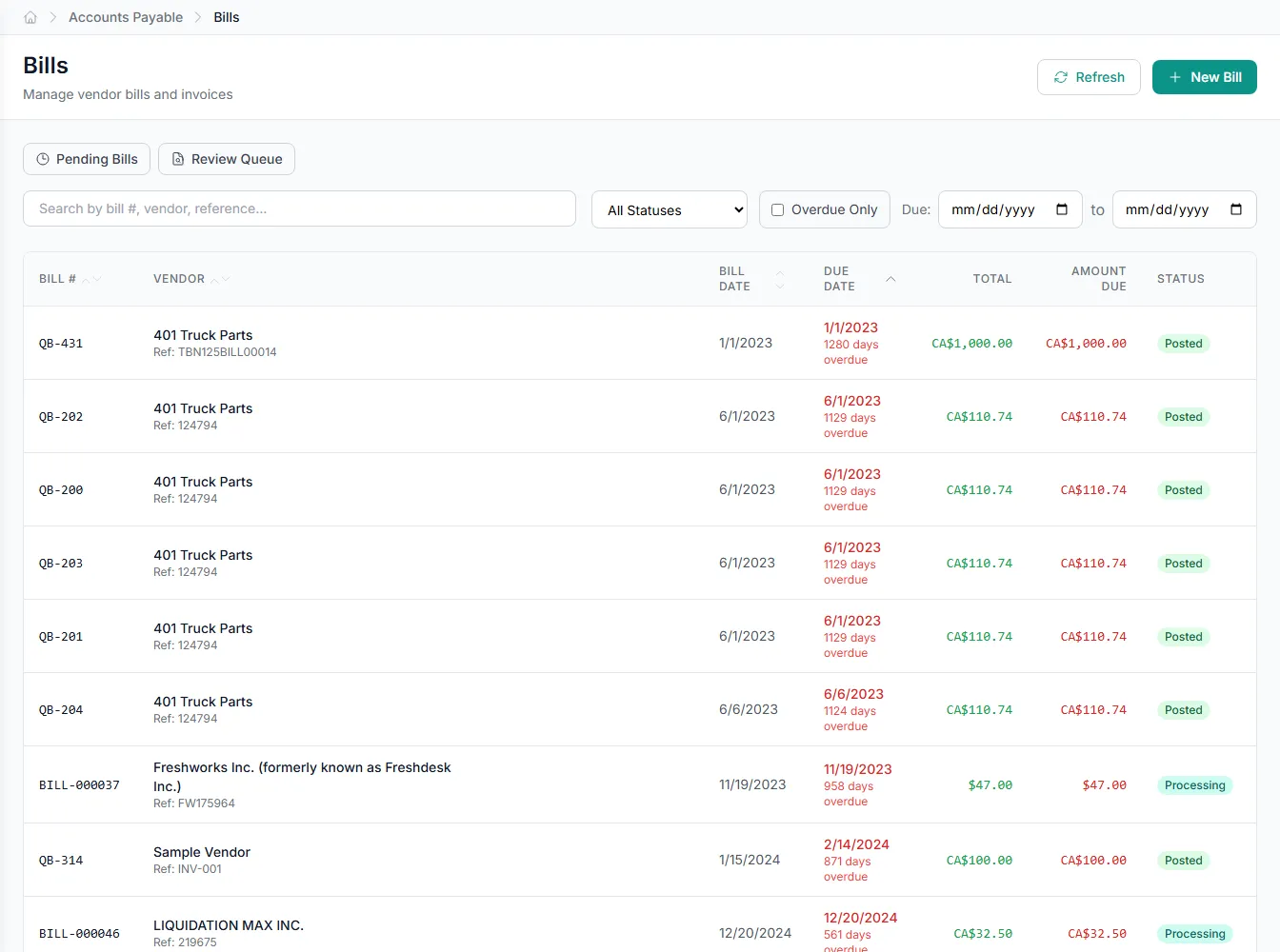
Bills arrive and get processed on their own
An inbound email monitor watches for incoming bills, then classifies each document and extracts its data. No manual upload or keying required.
- Inbound email monitor captures new bills
- Automatic document classification
- Line-level data extraction
- Per-vendor autonomy configuration
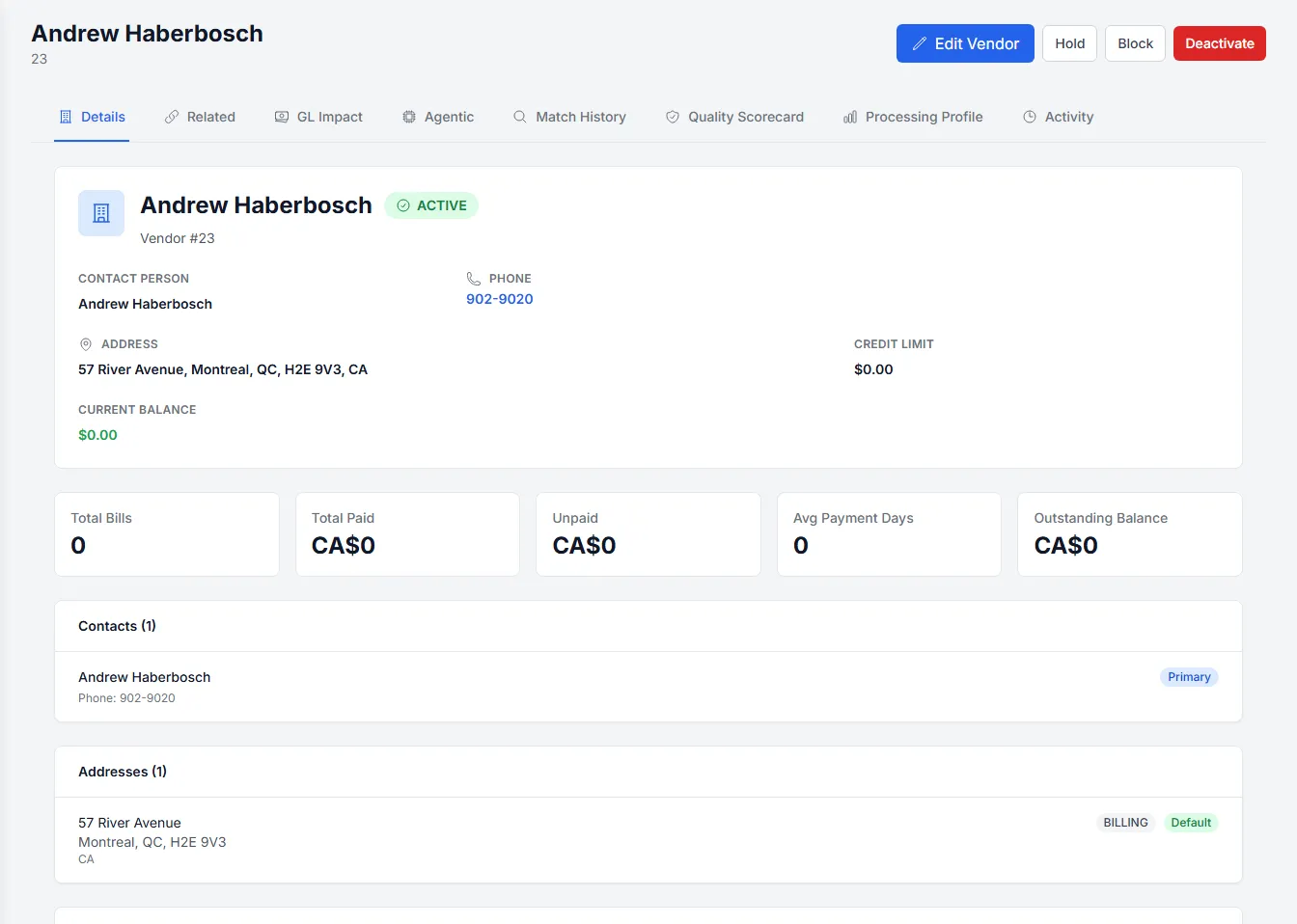
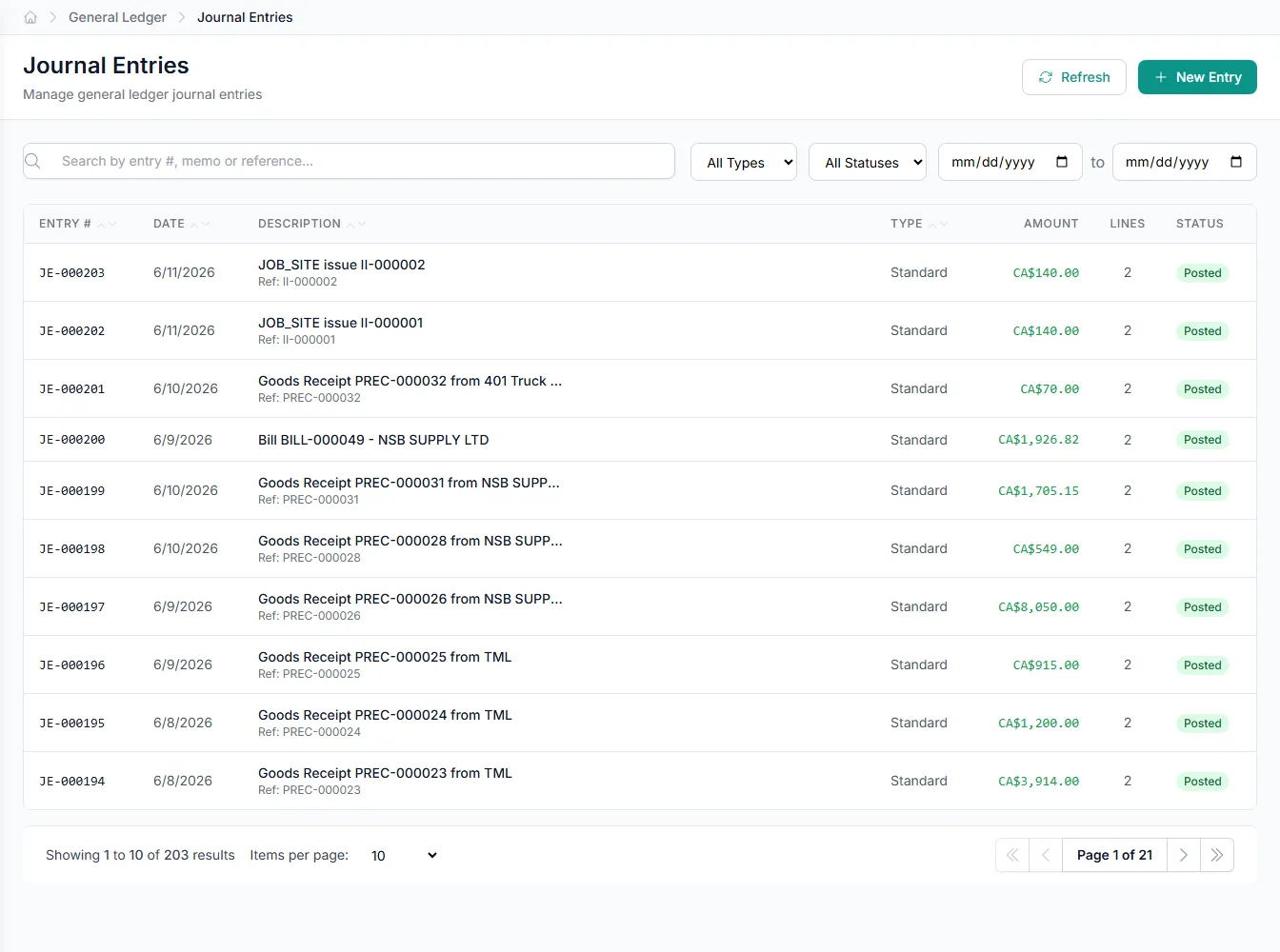
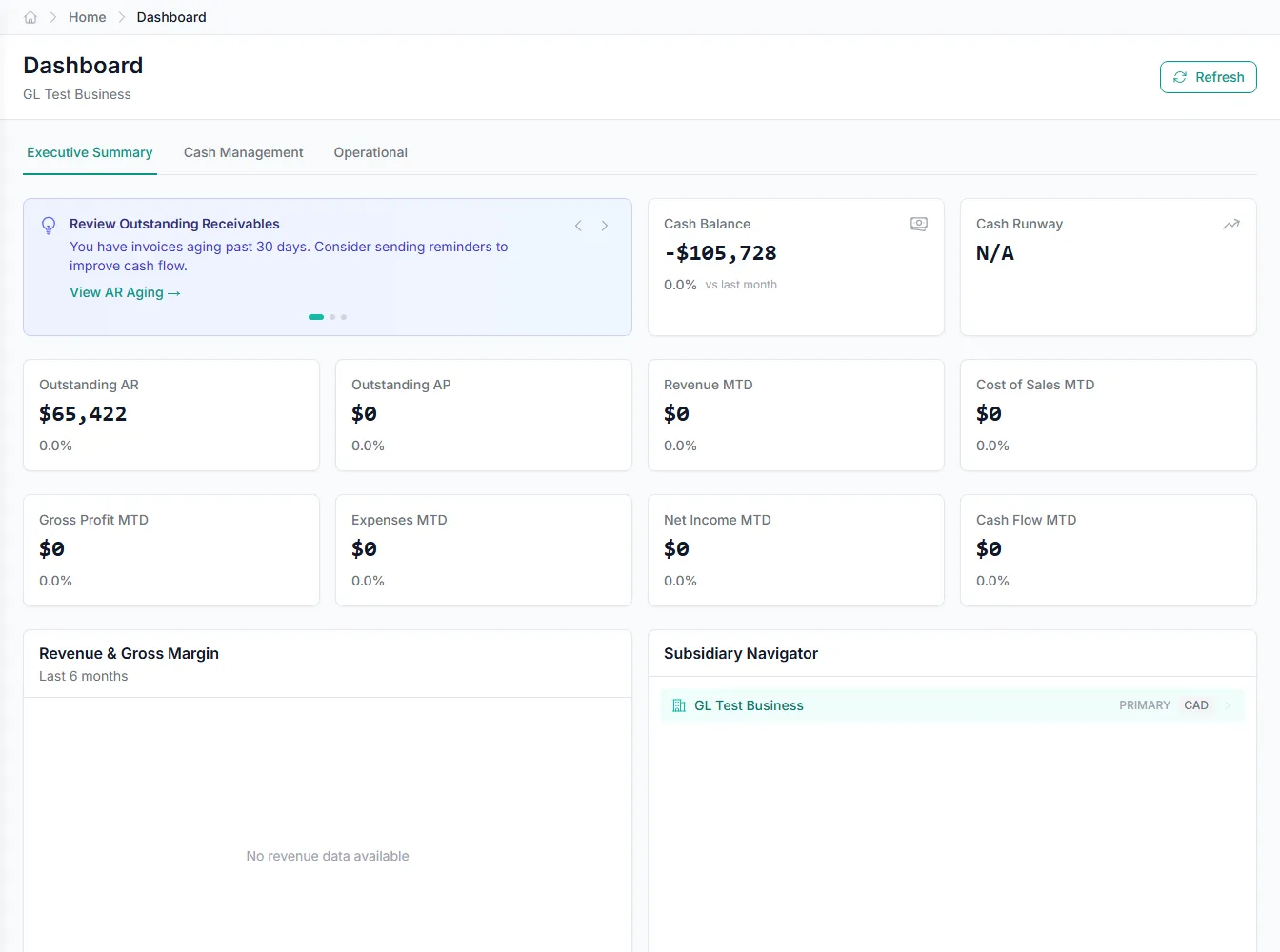
How a bill is handled, start to finish
Every bill is read, checked, matched, coded, and routed before it posts, and anything unusual stops for review at exactly the right point. Straightforward invoices flow straight through, and the rest stop for review at exactly the right step.
- Classify, extract, and verify each bill
- Automatic matching and coding
- Flags anything unusual, then posts
Human-in-the-loop, fully traceable
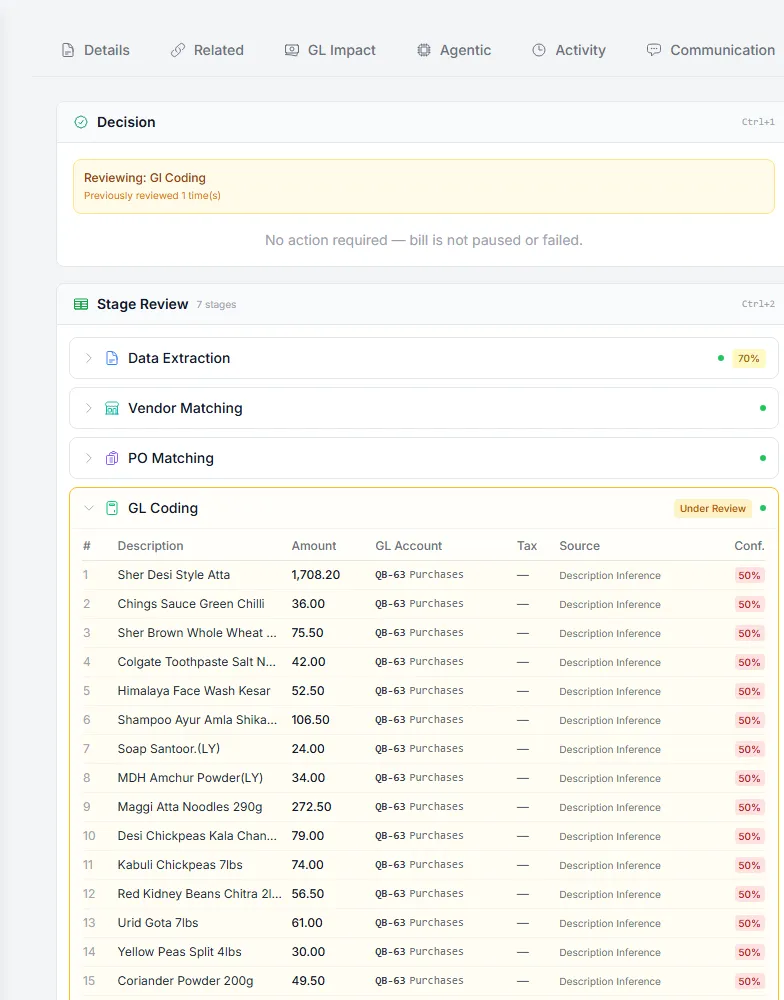
Agents do the work, but people stay in control. You set autonomy per vendor and route uncertain bills to review or hold, and every classification, match, and coding decision is recorded so you can see exactly why a bill went where it did.
- Autonomy configured per vendor
- Uncertain bills routed to people
- Full trace of every decision
Purchase orders and receipts, connected
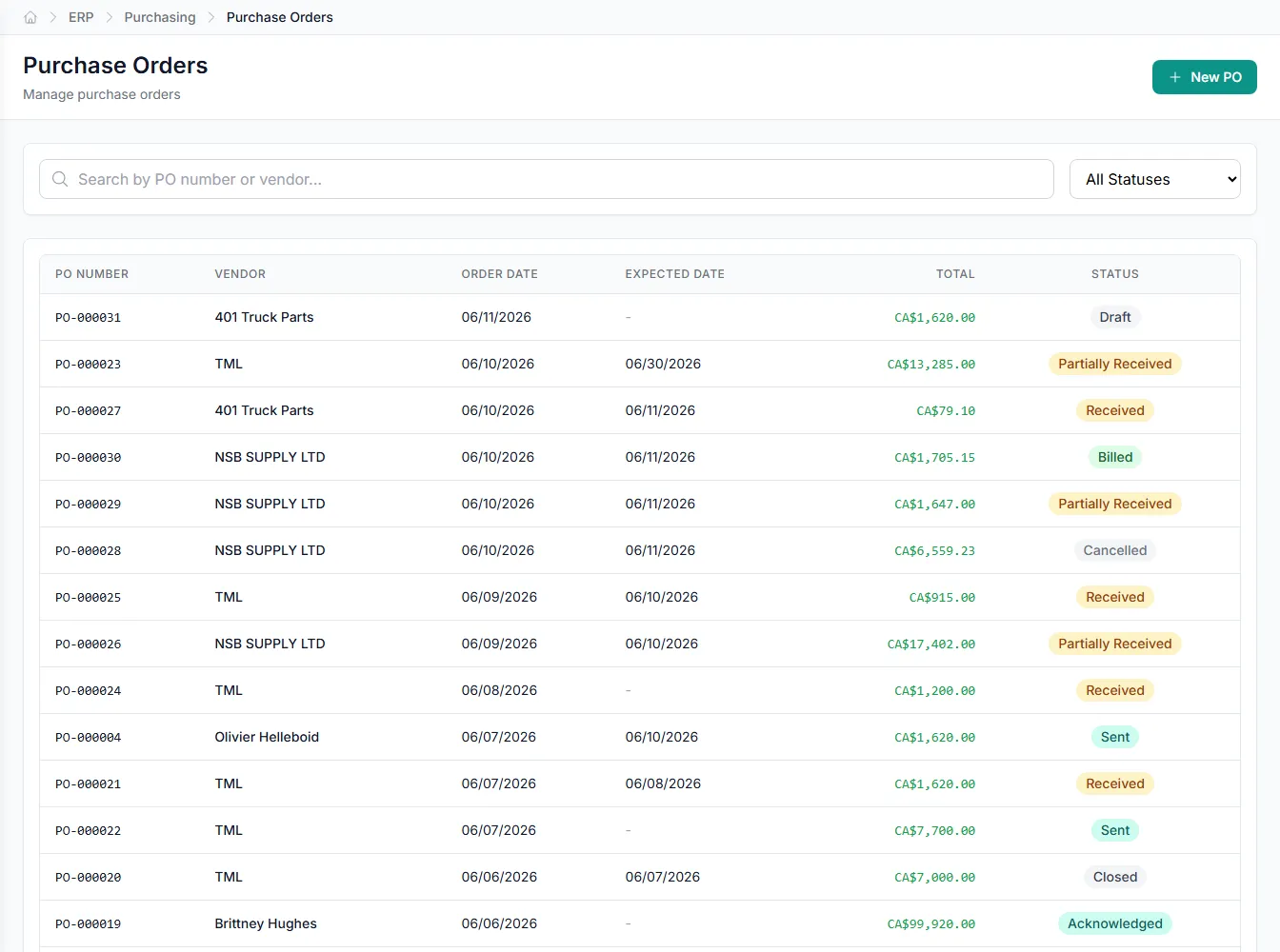
Accounts Payable works against real purchase orders and goods receipts, not just standalone bills. GenLedge matches invoices to their POs, propagates PO detail onto bill lines, and uses receipt records to verify what actually arrived.
- Bills matched to purchase orders
- PO detail propagated to lines
- Goods receipts used for verification
Built into Accounts Payable
Inbound email monitor
Bills emailed in are captured and pushed into processing automatically.
Fuzzy duplicate detection
Catches near-identical invoices even when a number or amount differs slightly.
Recurring bills
Schedules and generates predictable bills without re-keying them each cycle.
Vendor credits
Tracks credit memos and applies them against open vendor balances.
Payment batches
Groups approved bills into a single reviewed payment run.
AP cash forecast
Projects upcoming payables so you can plan cash ahead of time.
Integrates with your existing tools


Questions about Accounts Payable
It takes each bill the whole way for you: it reads the invoice, checks it, matches it against the vendor, PO, and prior invoices, codes it to the right accounts, and routes it, posting the straightforward ones and stopping the rest for review. You can always see exactly where a bill is and why.
No. Bills are routed by confidence into four paths: straight-through, light review, full review, or hold. You control how much autonomy each vendor gets, so only bills that clear your rules post on their own, and anything uncertain waits for a person.
Matching runs in parallel against the vendor record, the purchase order, and prior bills. Fuzzy duplicate detection catches near-identical invoices even when a number or amount differs slightly, and goods receipt records are available to verify what was delivered.
Yes. The automation is fully traceable. Every check, match, coding choice, and routing decision is recorded against the bill. Because a human stays in the loop, you can review or override any step and see the reasoning behind it.
See Accounts Payable on your own data
Book a free AI workshop and we'll set up a sandbox with your real data so you can judge it for yourself, before you commit to anything.