Every payment lands on the right invoice, hands-off
Payments and remittances arrive by email, WhatsApp, or attachment, and GenLedge applies them to the right open invoices automatically. Balances stay current, duplicate notices get caught, and only the ambiguous cases reach your team. You stay in control, and every match is recorded.
Payment matching
Email, WhatsApp, or attachment
Customer balances
Every match logged
What happens, step by step
From a payment landing in your inbox to cash applied on the books, here's how it runs.
- 1
Payment arrives
A payment or remittance shows up by email, WhatsApp, or attachment, with no forwarding or sorting needed.
- 2
Details are read
GenLedge reads the remittance details straight from the message or file, whatever the format.
- 3
Customer identified
It works out exactly which customer paid, so nothing lands in the wrong account.
- 4
Invoices matched
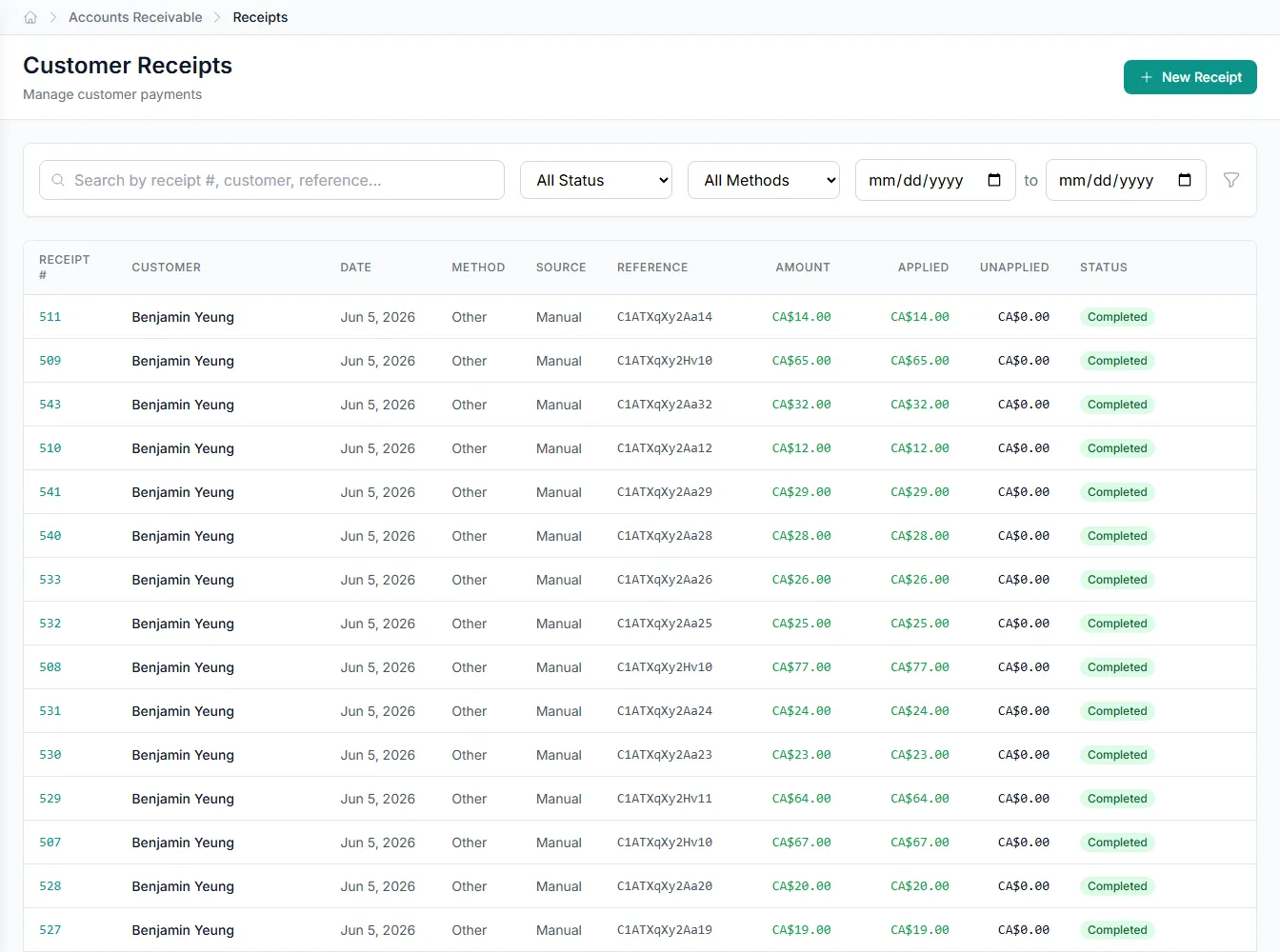
The payment is matched to the right open invoices, including partials, discounts, and one-to-many splits.
- 5
Duplicates caught
Repeat payment notices are flagged before they double-count, keeping your books clean.
- 6
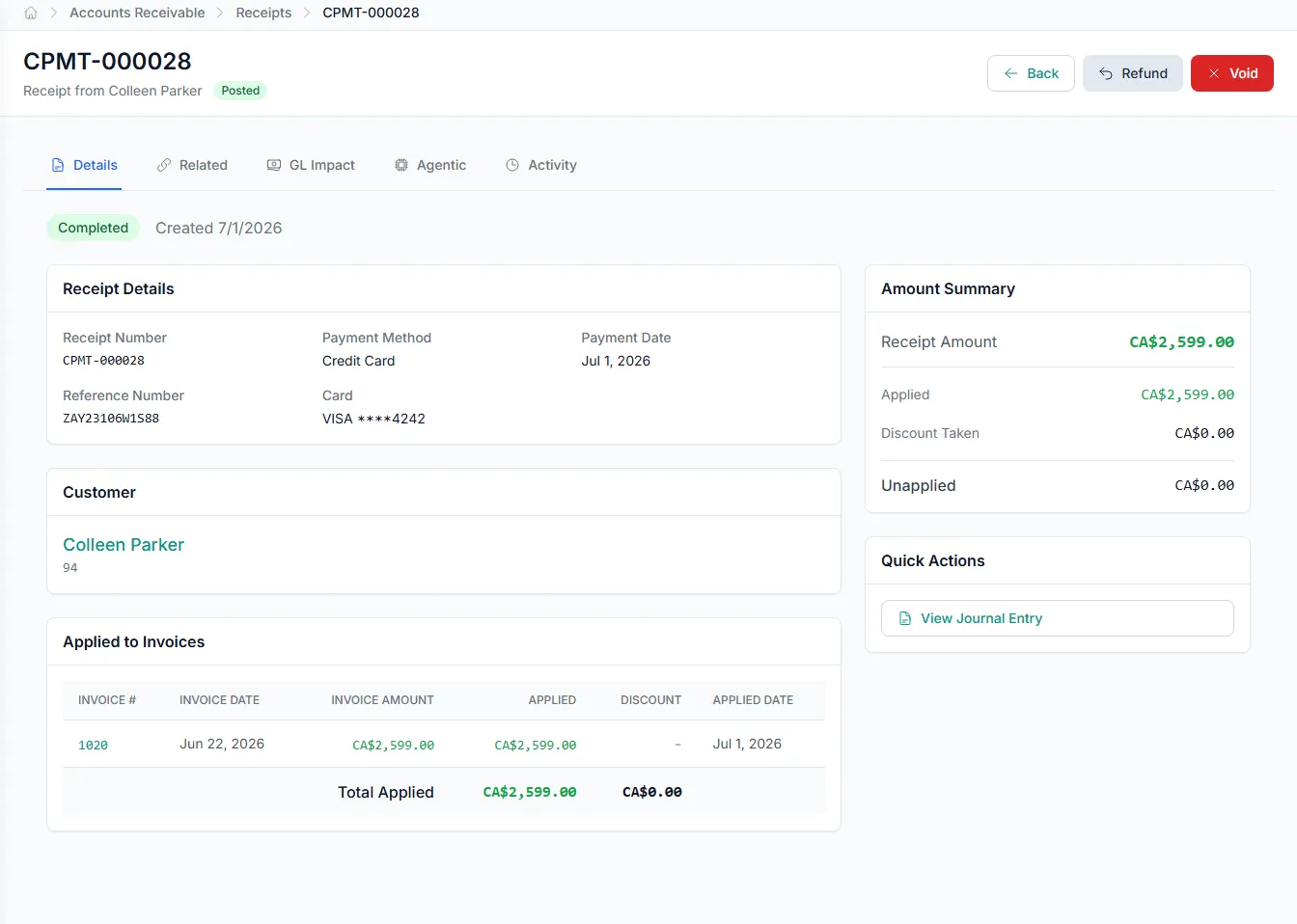
Applied and recorded
Cash is applied and recorded automatically, and balances update on the spot.
Inside cash application
Pick an area to see what the automation handles for you.
Remittances read from wherever they land
Whether the details come in an email, a WhatsApp message, or an attached PDF, CSV, or image, GenLedge reads them for you.
- Reads email, WhatsApp, and attachments
- Handles PDF, CSV, and image remittances
- No manual re-keying or reformatting
- Nothing forwarded or sorted by hand
Close faster with cash that applies itself
Incoming payments match to open invoices without anyone chasing remittances or keying them in line by line. Your team's day stops filling up with manual application, and the books stay current as money comes in.
- No manual matching or re-keying
- Balances update as payments arrive
- Faster, cleaner month-end close
Fewer errors, cleaner books
Payments land on the right customer and the right invoices, and duplicate notices get caught before they distort your cash position. Misapplied cash and double-counts stop being a cleanup job, and what's left for people is the small set of cases that genuinely need judgment.
- Cash lands on the correct invoices
- Duplicate notices caught before posting
- Only real exceptions reach your team
Always recorded, always in your control
Every payment GenLedge applies is recorded, so you can see exactly what was matched and why at any time. Ambiguous cases come to a person instead of being guessed, and nothing posts without a clear trail behind it.
- Every match and decision recorded
- Ambiguous cases routed to a human
- Full trail ready for audit
Powerful automation, fully under your control
Robust, secure, private, and transparent, so you get the speed of automation without giving up oversight.
You stay in control
The automation does the busywork; your team approves the decisions that matter. Nothing important happens without a person's sign-off.
Everything is on the record
Every action is captured and explainable, so month-end and audits are a lookup, not a scramble.
Your data stays yours
Your information is isolated to your business, encrypted, and never used to train anyone else's systems.
Robust and always on
It runs around the clock with the checks and safeguards to keep your books accurate and your work moving.
Integrates with your existing tools


Questions about cash application
Remittance details can arrive as an email, a WhatsApp message, or an attached PDF, CSV, or image, and GenLedge reads them all. You don't need a fixed format or a template. However your customers send payment details, they get handled.
Yes. GenLedge works out how each payment applies, one invoice or many, full or partial, with discounts taken, and applies it to the right open invoices. Balances stay accurate whether a customer pays a single invoice or settles a dozen at once.
Clear matches are applied automatically, and anything ambiguous is routed to a person to decide. You stay in control of the judgment calls while the routine matching runs in the background. Nothing is guessed and posted without a clear match.
Every payment GenLedge applies is recorded, including which customer paid and which invoices it matched. You can review the full trail at any time, which keeps audits straightforward and gives your team confidence in the numbers.
See cash application on your own work
Book a free AI workshop and we'll run it on a real workflow from your business, so you can see the value before you commit.