From inbox to posted, without the data entry
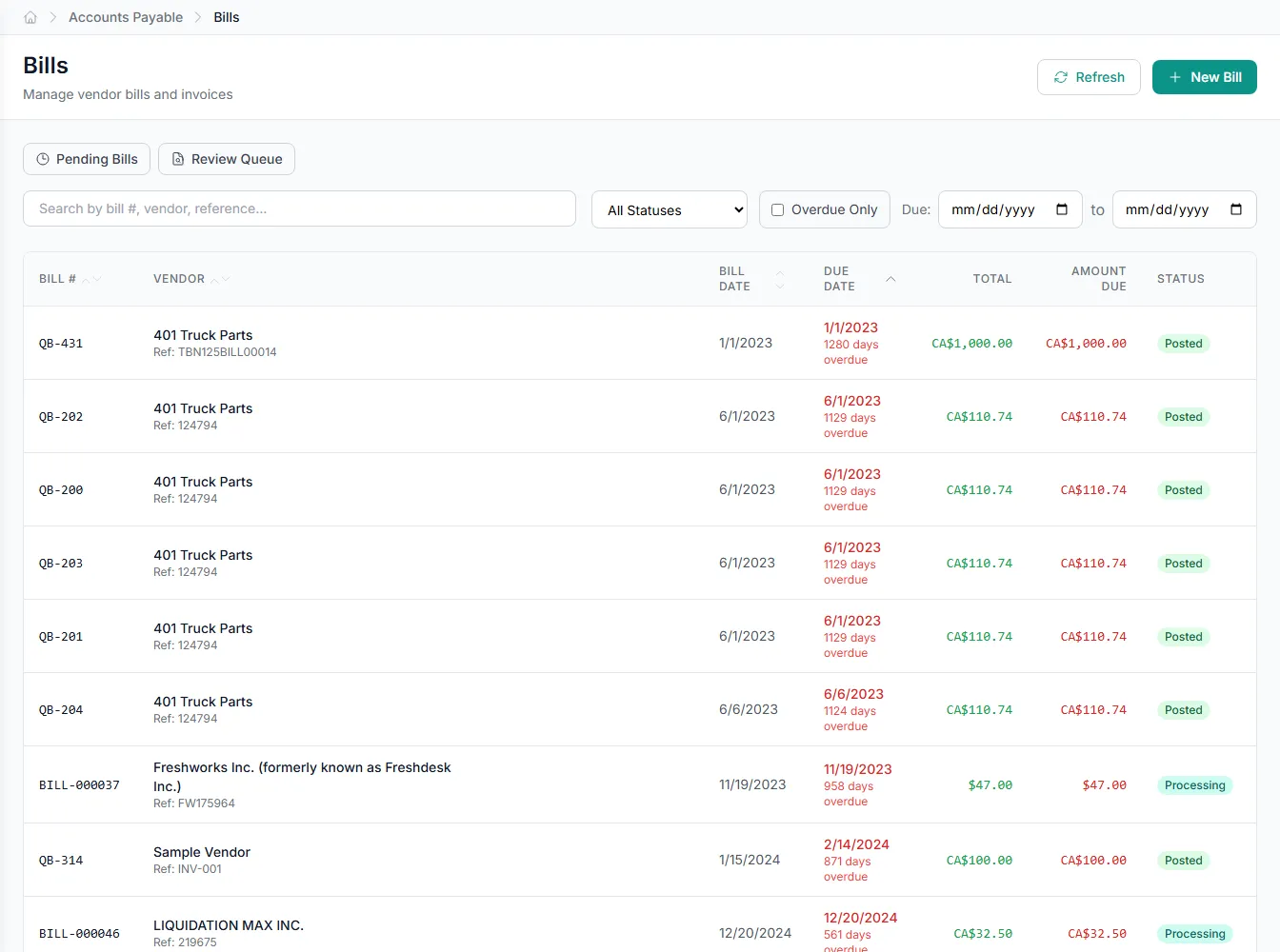
Vendor bills arrive by email, upload, or message, and GenLedge takes them the rest of the way. It reads each invoice, checks it, codes it, and brings only the exceptions to your team, so bills get paid on time without anyone keying them in.
handled end to end
reach your team
never waits for office hours
checked and recorded
What happens, step by step
Here's what happens the moment a vendor bill arrives.
- 1
It arrives
A bill lands by email, upload, or message. GenLedge picks it up automatically.
- 2
It's read
Every detail is captured (vendor, amounts, dates, line items) with no typing.
- 3
It's checked
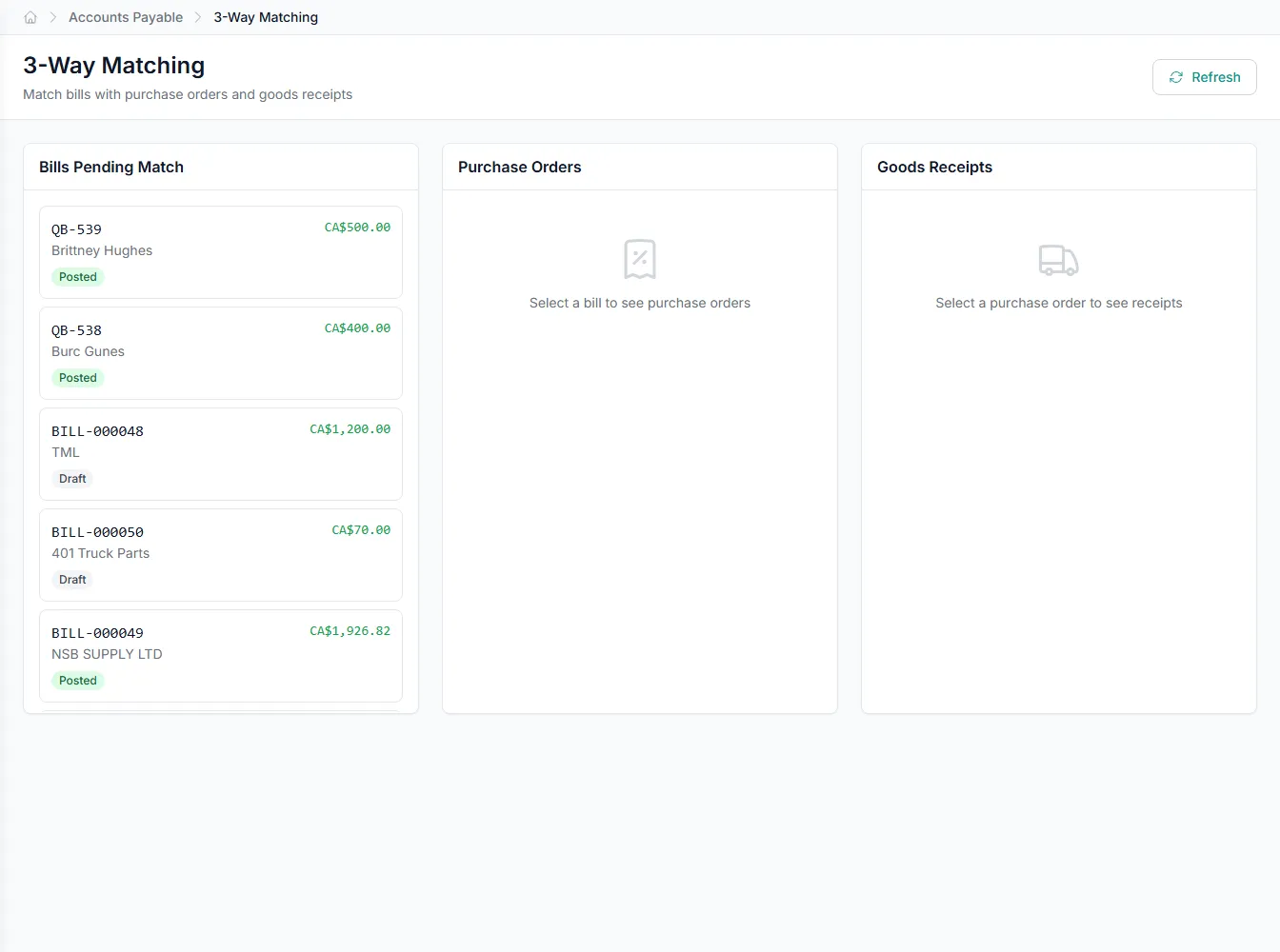
The bill is matched to your purchase order and past bills, and flagged if something looks off or duplicated.
- 4
It's coded
The right accounts, cost centers, and tax treatment are filled in for you.
- 5
You review exceptions
Clean bills move ahead; only the ones that need a human come to you, with the reason attached.
- 6
It's posted
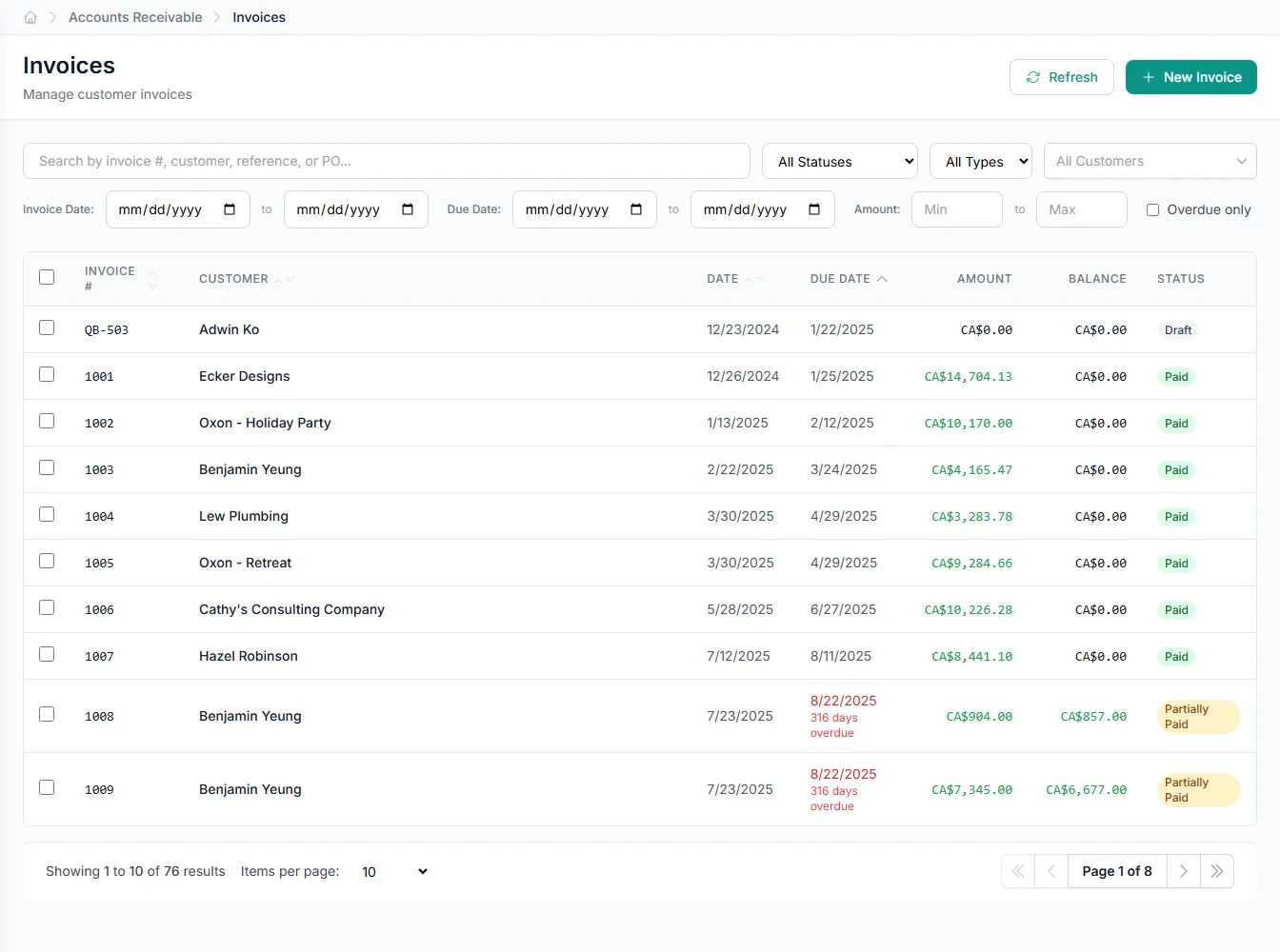
Approved bills are recorded to your books, ready to pay.
Inside invoice processing
Pick an area to see what the automation handles for you.
Reads any invoice, however it arrives
Email, upload, or message; PDF or photo; any vendor's layout. GenLedge captures every field so no one has to type it.
- Works from email, uploads, and messaging
- Handles any vendor format or layout
- Captures header and line-item detail
Your team touches only what needs a human
Instead of keying every invoice, your team reviews a short queue of genuine exceptions (a price break, a short shipment, a possible duplicate) each with the reason it was flagged. The clean majority is handled for them.
- A short, clear exception queue
- Every flag explained
- Hours back every week
It gets sharper the more you use it
Every correction your team makes is remembered. Over time, more bills clear on their own and fewer need review. The system keeps adapting to your vendors and your way of coding.
- Learns your vendors and conventions
- More clears automatically over time
- Fewer exceptions, less review
Works with the tools you already have
GenLedge picks up bills from your inbox and messaging and posts them to the accounting system you already run (QuickBooks, Xero, or NetSuite) so you get the automation without ripping anything out.
- Reads from email and WhatsApp
- Posts to QuickBooks, Xero, or NetSuite
- No rip-and-replace
Powerful automation, fully under your control
Robust, secure, private, and transparent, so you get the speed of automation without giving up oversight.
You stay in control
The automation does the busywork; your team approves the decisions that matter. Nothing important happens without a person's sign-off.
Everything is on the record
Every action is captured and explainable, so month-end and audits are a lookup, not a scramble.
Your data stays yours
Your information is isolated to your business, encrypted, and never used to train anyone else's systems.
Robust and always on
It runs around the clock with the checks and safeguards to keep your books accurate and your work moving.
Integrates with your existing tools


Questions about invoice processing
Only if you want it to. You decide which bills can move through on their own and which need a person to sign off. Anything the system isn't confident about always waits for a human, with the reason attached. Many teams start with everything in review and open up as trust builds.
They're flagged and sent to the right person with a clear explanation: a mismatch against the purchase order, a possible duplicate, an unfamiliar vendor. Your team spends its time on those genuine exceptions instead of re-keying clean bills.
It follows the accounts, cost centers, and tax treatment your team already uses, and it learns from every correction you make. The more you use it, the more it matches how your team would code each bill.
Yes. GenLedge picks up bills from your email and messaging and posts them to QuickBooks, Xero, or NetSuite, so it fits into what you already run rather than replacing it.
See invoice processing on your own work
Book a free AI workshop and we'll run it on a real workflow from your business, so you can see the value before you commit.