Pay every bill on time, capture every discount
GenLedge takes your approved bills and pays each one on its best date, early enough to grab discounts, never so early it strains your cash. It groups payments into clean runs, sends them, and records everything to your books, so there's no month-end scramble and no missed due dates. You set the guardrails; the automation handles the timing and the paperwork.
Every payment made
Early-pay discounts
Hands-off scheduling
Timed to your balance
What happens, step by step
From approved bill to recorded payment, here's how a run comes together.
- 1
Approved bills queued
Every bill that's cleared for payment lines up automatically, so nothing slips through.
- 2
Best pay date chosen
GenLedge picks the date that captures the discount without straining your cash.
- 3
Grouped into a run
Bills heading the same way are batched into one clean, reviewable payment run.
- 4
You review anything unusual
Odd amounts or timing come to you first, so you stay firmly in control.
- 5
Payments sent
Approved amounts go out on schedule, so due dates never sneak up on you.
- 6
Recorded to your books
Every payment posts automatically with a full trail you can check any time.
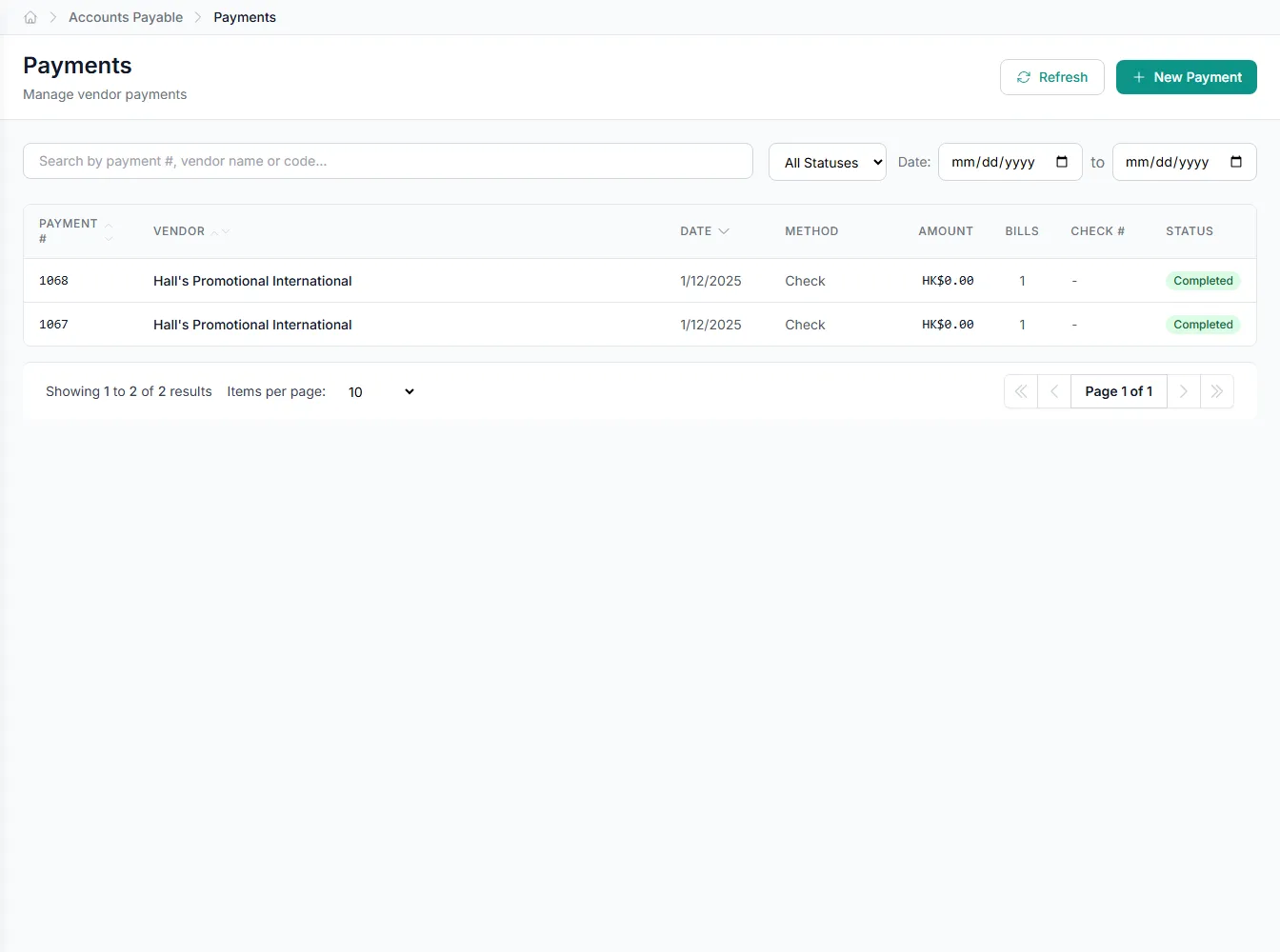
Inside payments
Pick an area to see what the automation handles for you.
Pay on the date that pays you back
GenLedge schedules each approved bill for its best pay date, late enough to protect your cash and early enough to hit the terms that matter.
- Every bill scheduled for its ideal pay date
- Never early enough to strain cash on hand
- Never late enough to trigger a fee
- You set the rules; timing follows them
No more month-end payment scramble
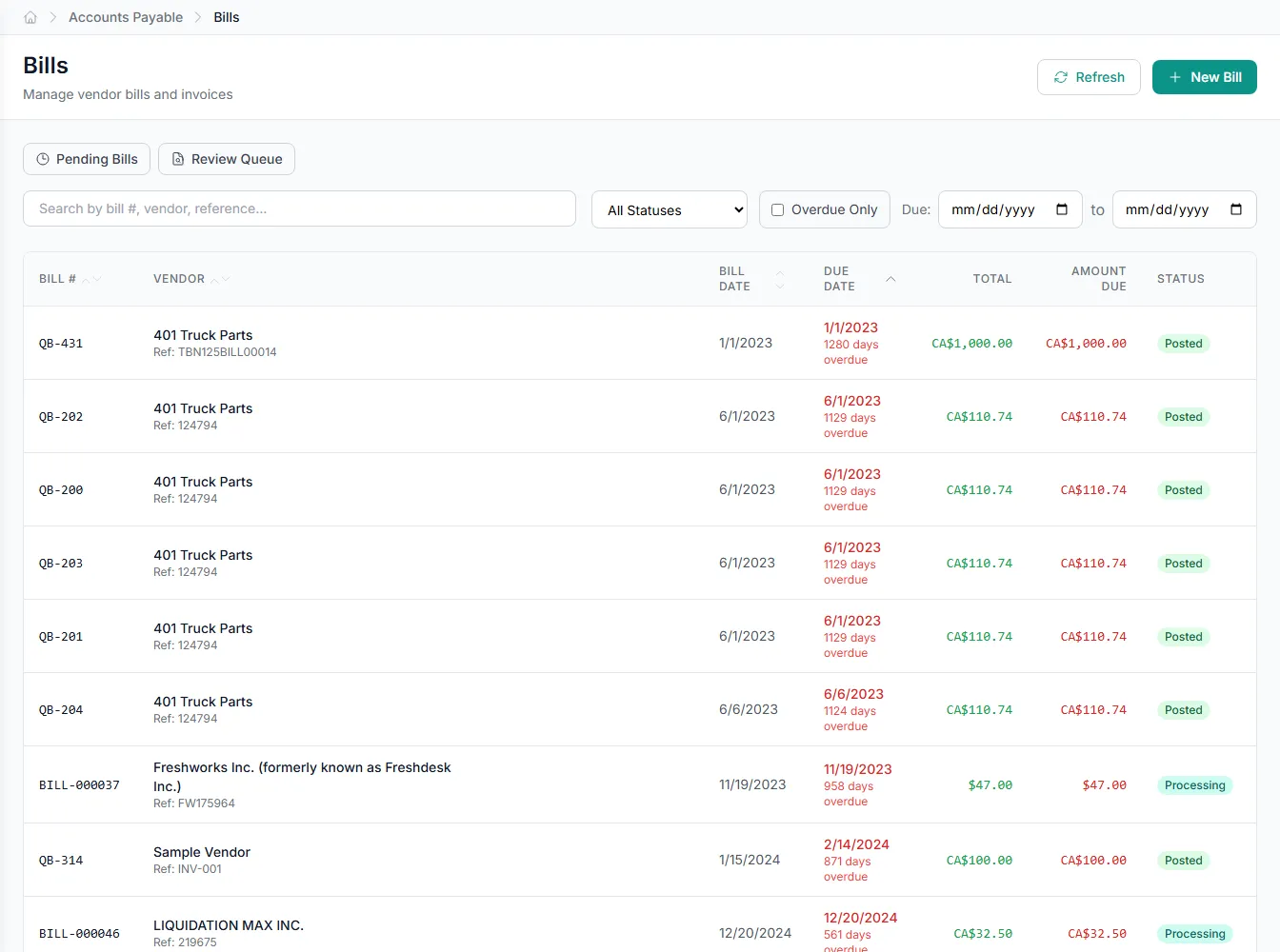
Approved bills don't pile up waiting for someone to schedule a run. GenLedge queues them, times them, and pays them as they're ready, so month-end is just another day instead of a fire drill. Your team gets the hours back.
- Bills paid steadily, not in a last-minute rush
- No late fees from bills that got buried
- Your team spends those hours elsewhere
You stay in control of the money
The automation handles the busywork, but the decisions stay yours. Set the rules for timing and limits, review anything unusual before it goes out, and pause or change a run whenever you want.
- Set the rules for timing and limits
- Unusual payments come to you first
- Pause, change, or approve any run
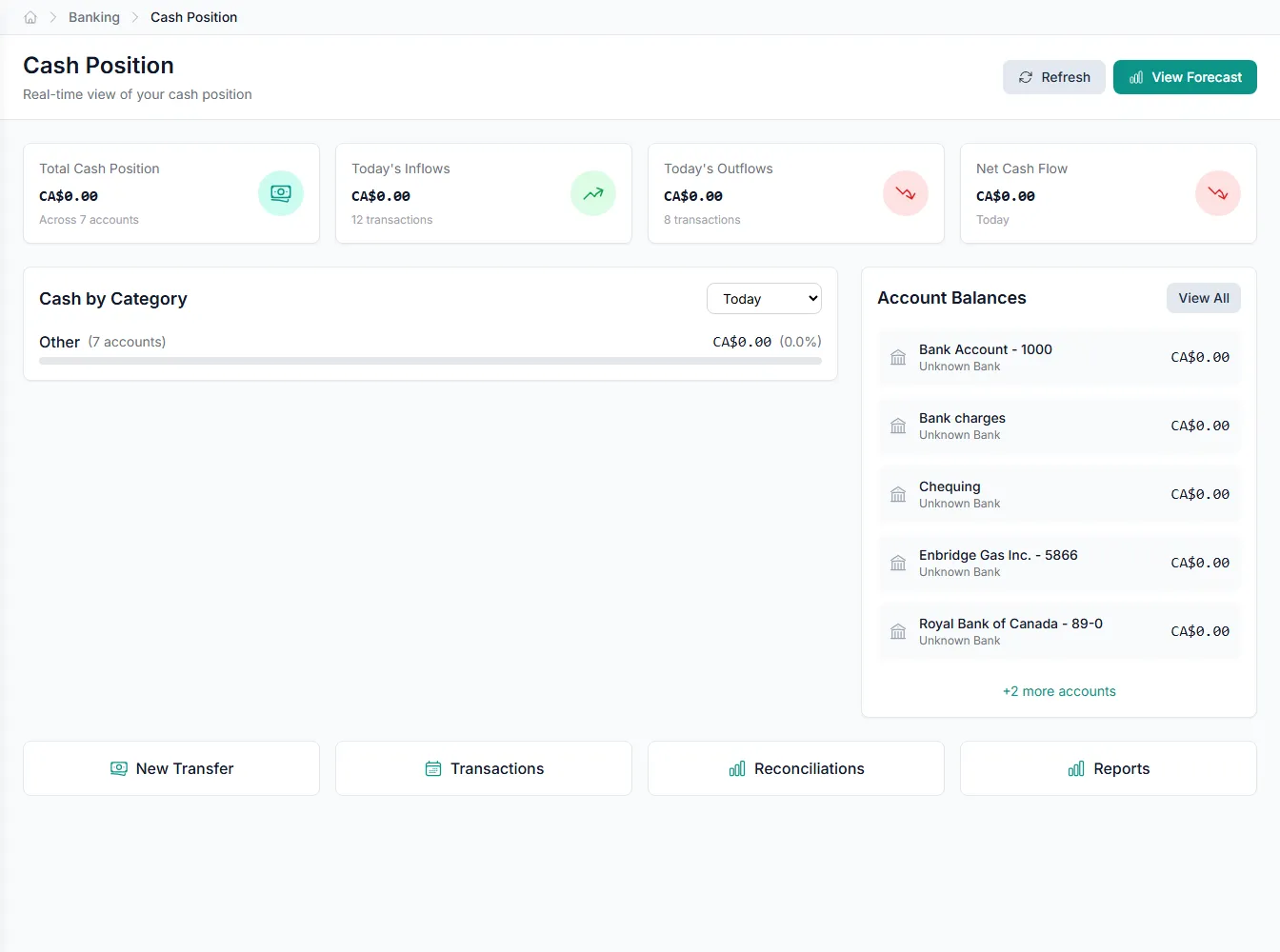
Every dollar out is documented
Nothing leaves without a record. Each payment lands in your books with a full trail of what was paid, when, and against which bill. Audits, reconciliations, and questions answer themselves.
- Complete trail behind every payment
- Books stay reconciled as you go
- Answers ready for any audit or question
Powerful automation, fully under your control
Robust, secure, private, and transparent, so you get the speed of automation without giving up oversight.
You stay in control
The automation does the busywork; your team approves the decisions that matter. Nothing important happens without a person's sign-off.
Everything is on the record
Every action is captured and explainable, so month-end and audits are a lookup, not a scramble.
Your data stays yours
Your information is isolated to your business, encrypted, and never used to train anyone else's systems.
Robust and always on
It runs around the clock with the checks and safeguards to keep your books accurate and your work moving.
Integrates with your existing tools


Questions about payments
Only within the rules you set. You decide which payments run on their own and which need a person to sign off. Anything unusual, like an odd amount or an unexpected vendor, comes to you before it goes out.
It weighs each bill's due date, any early-pay discount on offer, and your cash position, then picks the date that avoids late fees, captures savings, and protects your balance. You can adjust the rules any time.
It's held and sent to you instead of paid. GenLedge flags anything that doesn't fit, such as a duplicate, an unusual amount, or a missing approval, so you can review it before any money moves.
Yes. Every payment is recorded to your books the moment it's made, with a full trail. Your records and reconciliations stay current without any manual entry on your side.
See payments on your own work
Book a free AI workshop and we'll run it on a real workflow from your business, so you can see the value before you commit.