
Turn order emails into ready-to-fulfill sales orders
A customer emails an order and you get back a clean, validated sales order, with no typing and no chasing details. GenLedge reads the email and its attachments, matches the customer and every line to your catalog, and checks pricing, credit and stock before the order is created. You review only what needs a human; everything else is done for you.
Order details captured for you
Validated orders, start to finish
Pricing, credit and stock verified
Every order fully traceable
What happens, step by step
Here's what happens from the moment an order lands in your inbox.
- 1
Order arrives
A customer order lands in your inbox by email.
- 2
Order is read
The header, addresses and every line are read for you.
- 3
Customer matched
The right customer account is found automatically.
- 4
Lines matched
Each item is matched to your product catalog.
- 5
Priced and checked
Pricing, credit limit and stock are all verified.
- 6
Sales order created
A clean, validated sales order is ready to fulfill.
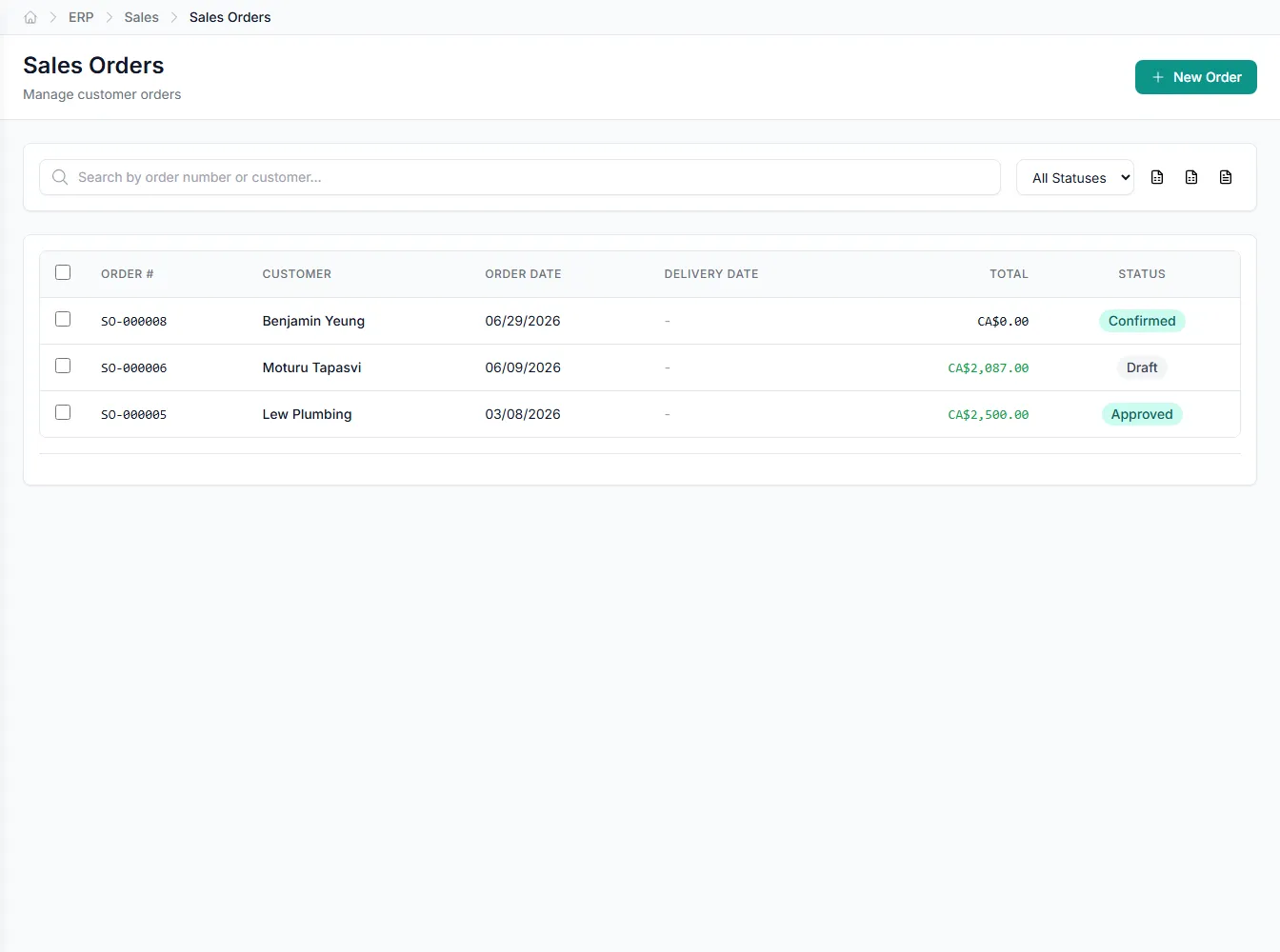
Inside sales order processing
Pick an area to see what the automation handles for you.
Every order read, whatever the format
GenLedge reads the order straight from the email and any attachment, so nothing is retyped. Header, addresses and every line come across cleanly.
- Reads header, billing and shipping details
- Pulls every line from email or attachment
- Handles PDFs, spreadsheets and order forms
- No manual data entry
From inbox to sales order, hands-free
Orders arrive as emails, PDFs and spreadsheets, and someone usually ends up retyping every line. GenLedge reads each order and turns it into a structured, validated sales order without the manual entry. Your team reviews the result instead of keying it in.
- No more retyping orders by hand
- Consistent, structured orders every time
- Your team reviews instead of typing
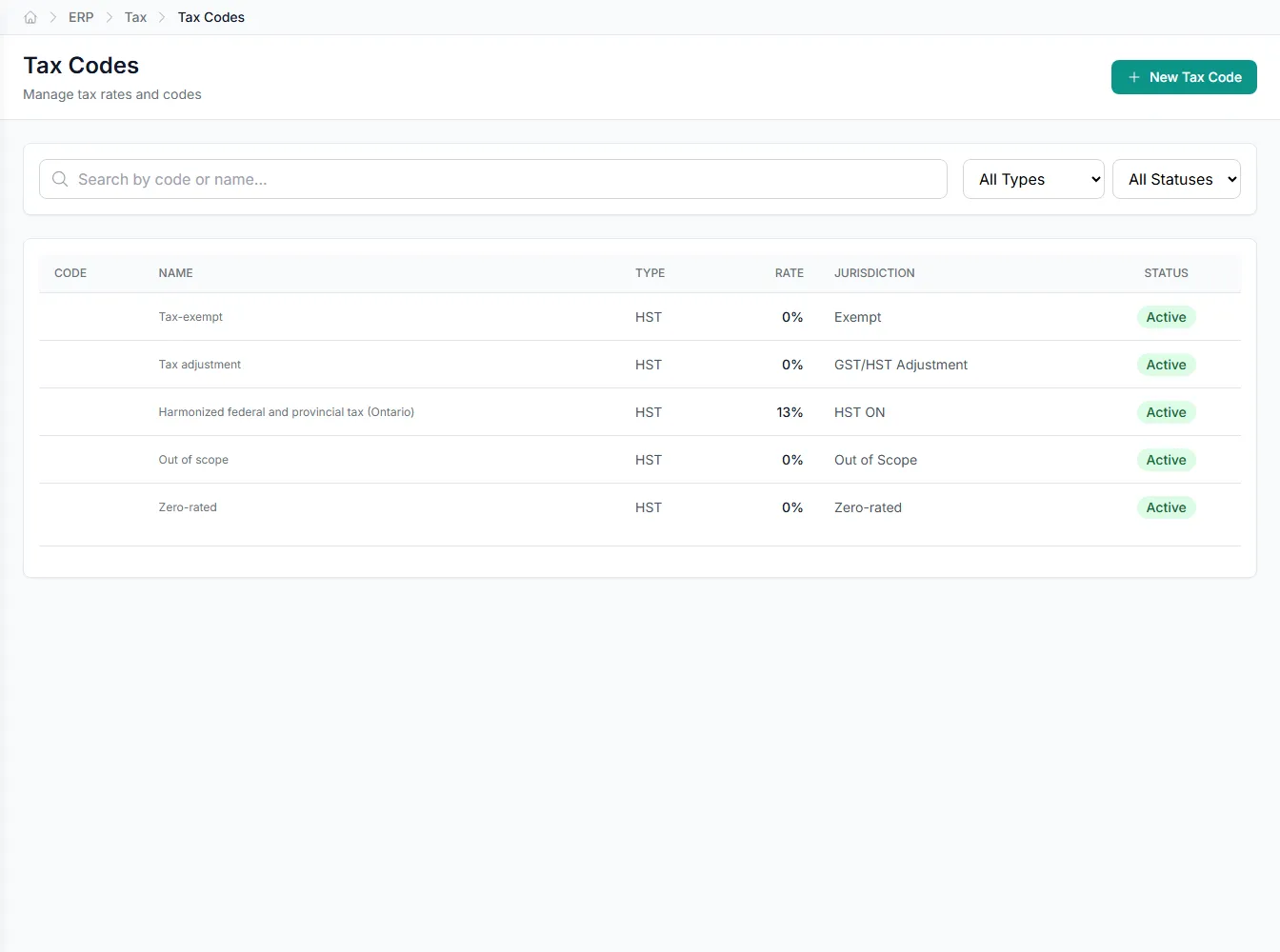
Validated before it ever reaches fulfillment
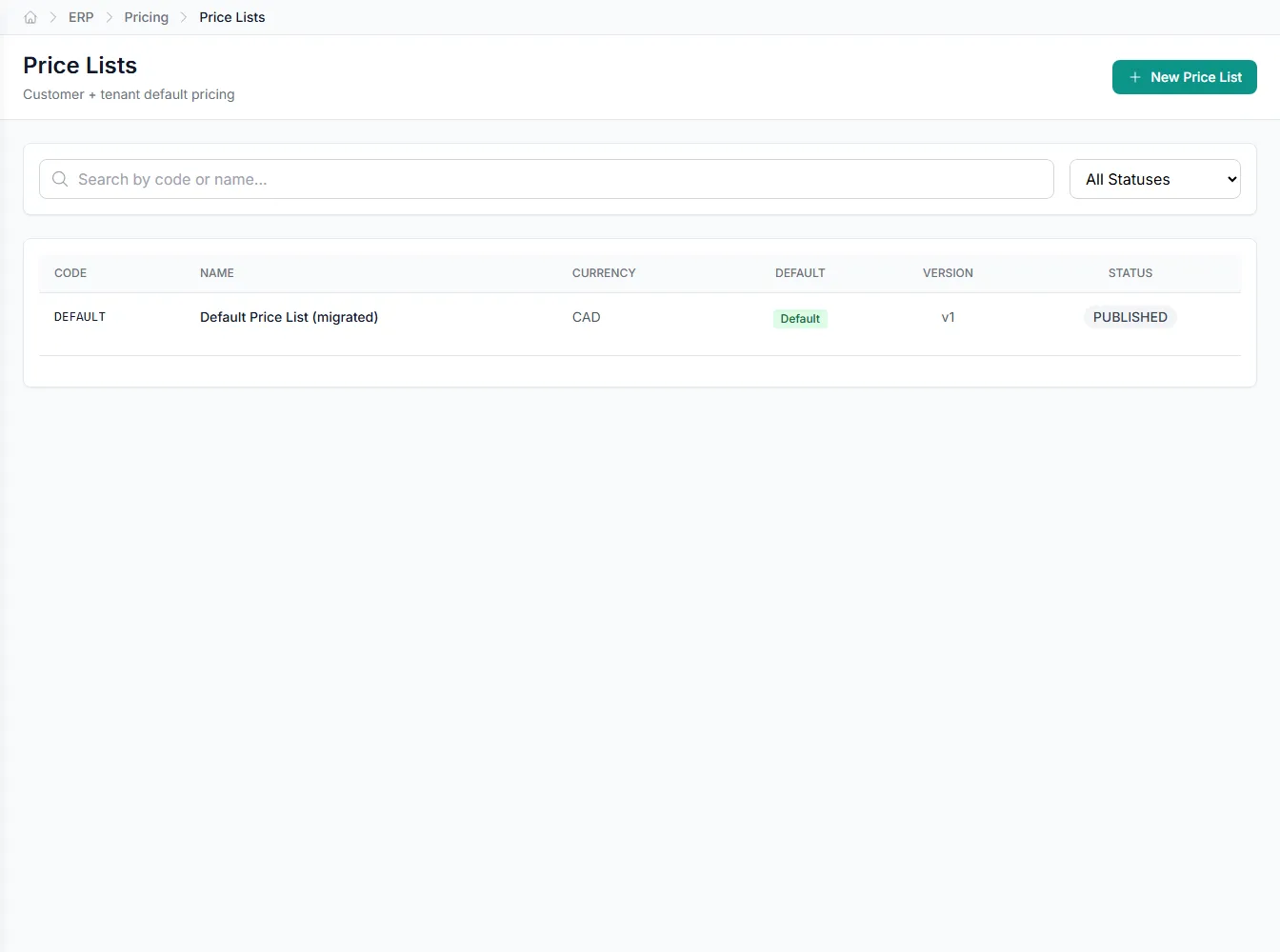
An order isn't just captured, it's checked. GenLedge matches the customer and catalog, resolves tax codes, and confirms pricing, credit and stock before the sales order is created. Problems surface early, not on the warehouse floor.
- Pricing, credit and stock checked up front
- Tax codes resolved on every line
- Issues caught before fulfillment begins
You stay in control of the exceptions
GenLedge handles the routine orders on its own and brings anything unusual to a person. Unknown customers, unmatched items and possible duplicates come to you with the details attached. Every decision and every step is recorded, so nothing is a mystery later.
- Exceptions routed to a human with full context
- You approve anything out of the ordinary
- Every step recorded for audit
Powerful automation, fully under your control
Robust, secure, private, and transparent, so you get the speed of automation without giving up oversight.
You stay in control
The automation does the busywork; your team approves the decisions that matter. Nothing important happens without a person's sign-off.
Everything is on the record
Every action is captured and explainable, so month-end and audits are a lookup, not a scramble.
Your data stays yours
Your information is isolated to your business, encrypted, and never used to train anyone else's systems.
Robust and always on
It runs around the clock with the checks and safeguards to keep your books accurate and your work moving.
Integrates with your existing tools


Questions about sales order processing
Orders that arrive by email, whether the details sit in the message body or in an attached PDF, spreadsheet or order form. GenLedge reads the header, addresses and every line item, so you never have to retype an order by hand.
Anything GenLedge can't confidently match, such as an unknown customer, an unrecognized item or a possible duplicate, is routed to a person with the relevant details attached. You make the call, and the automation carries on from there.
Yes. Before the sales order is created, GenLedge confirms the pricing, checks the customer's credit limit and verifies stock availability. Anything that falls outside your rules is flagged for review rather than pushed straight through.
Always. Routine orders are handled in the background, while exceptions come to you for a decision. Every step and every choice is recorded, so you keep a full, traceable history of each order.
See sales order processing on your own work
Book a free AI workshop and we'll run it on a real workflow from your business, so you can see the value before you commit.