
Bin-level accuracy from the dock to the shelf
Receive goods by scanning barcodes on a mobile device, track every item down to the bin it sits in, and keep on-hand quantities honest with stock movements, transfer orders, and physical counts. Every scan is idempotent and every receipt records over- and under-receipt variance against what was expected.
Inventory tracked by bin location
Barcode receiving on the floor
Scans never double-count receipts
Receipt variance recorded per line
Explore Warehouse Management
Everything below is a working part of the platform. Pick a capability to see what it does.
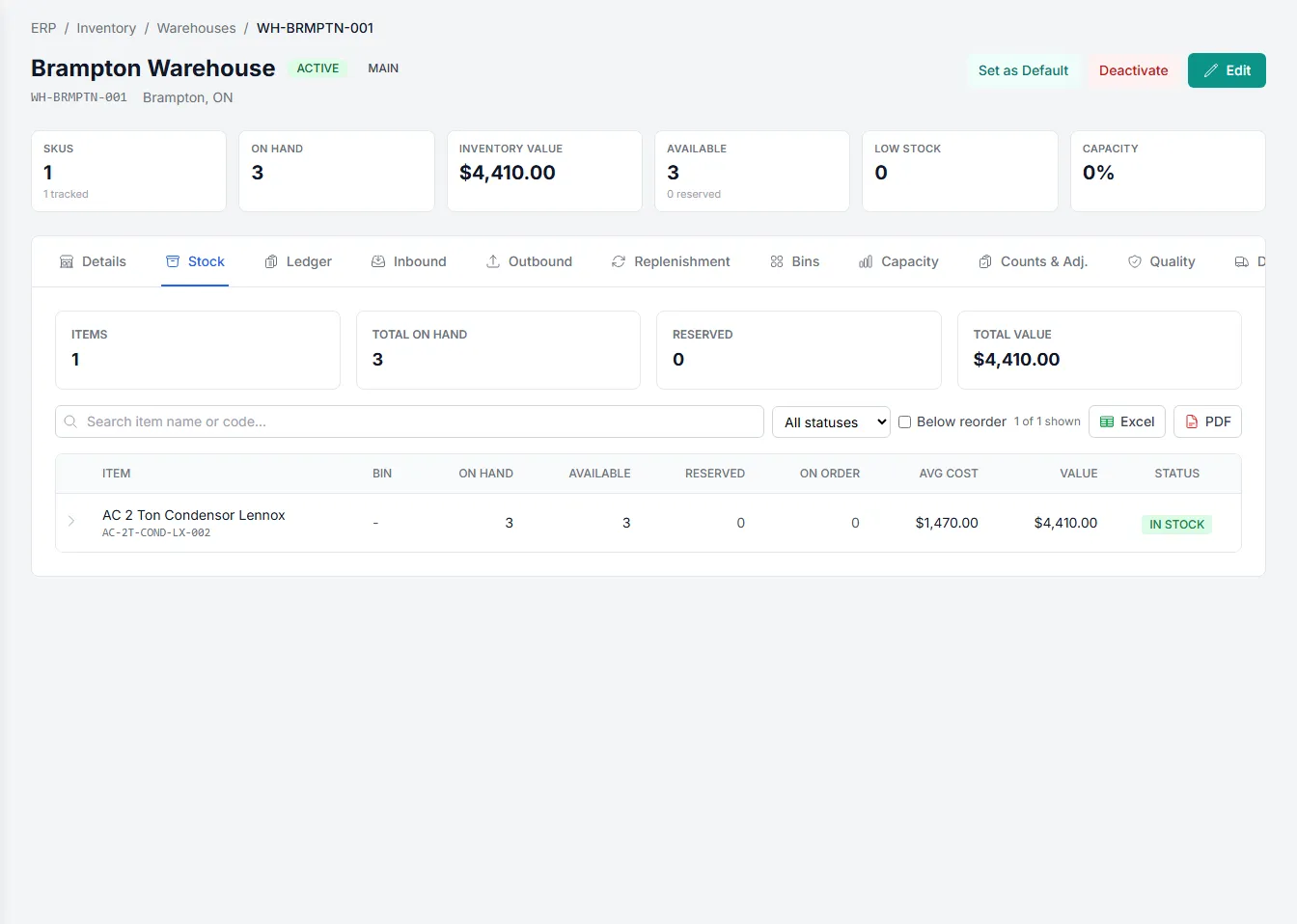
Track stock down to the bin
Organize each warehouse into bin locations so you always know exactly where inventory sits, not just that it's somewhere in the building.
- Assign a bin code to received lines
- See on-hand quantities by bin
- Locate stock without walking the aisles
- Keep counts accurate at bin level
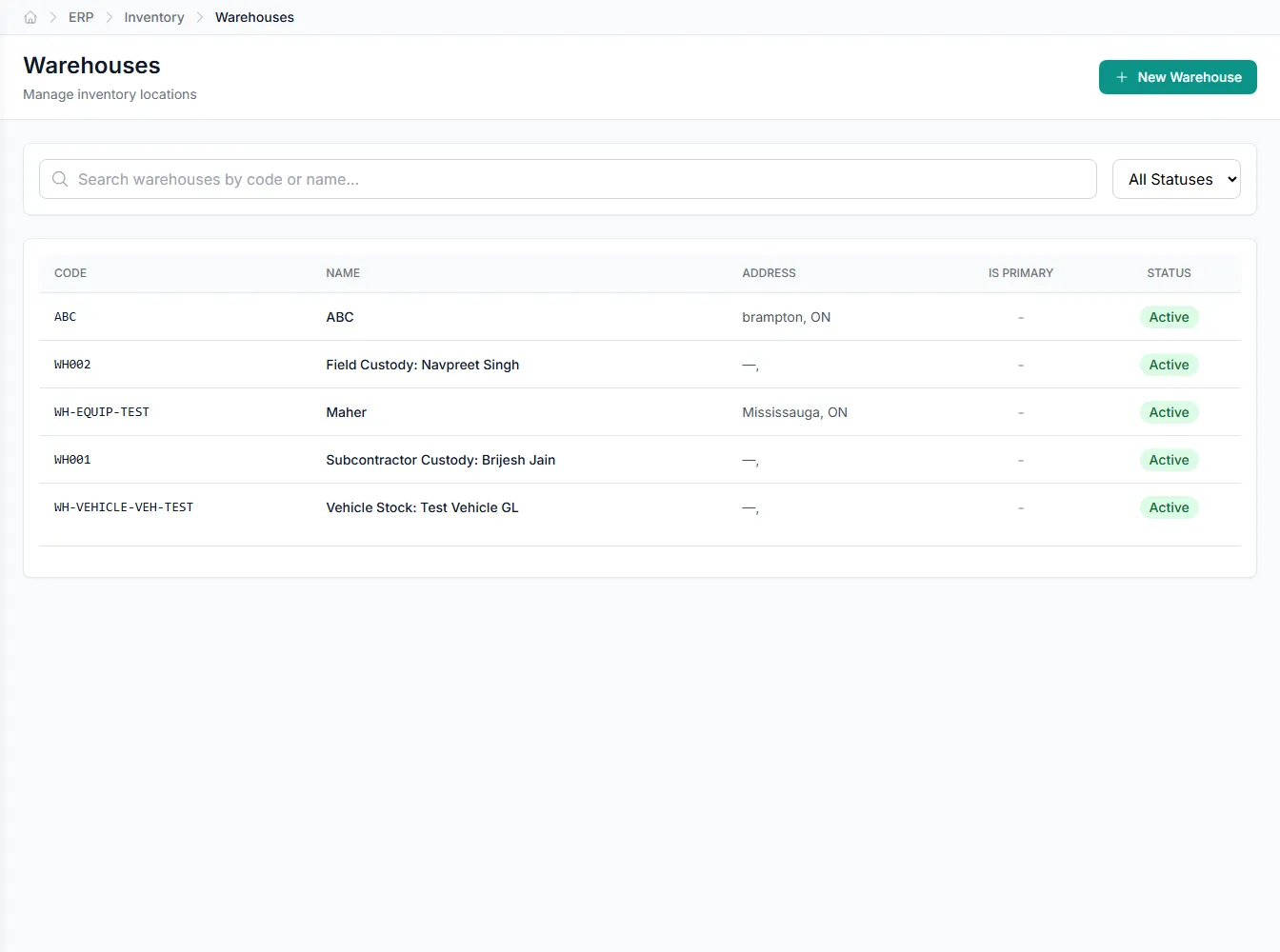
Receive at the speed of the dock
Instead of clipboards and after-the-fact data entry, warehouse staff scan barcodes on a mobile device to receive goods line by line. Each scan carries an idempotency key, so a dropped connection or a double-tap never records the same receipt twice.
- Mobile scan-receive posts goods receipts on the floor
- Idempotent scans prevent duplicate receipts
- Capture receiver and bin at the point of scan
Know exactly where every item lives
Bin locations turn a warehouse from a black box into an addressable map. Received stock lands in a named bin, movements and transfers update it, and physical counts verify it, so on-hand quantities reflect reality down to the shelf.
- Every line carries its bin code
- On-hand quantities roll up from bins
- Counts reconcile system to shelf
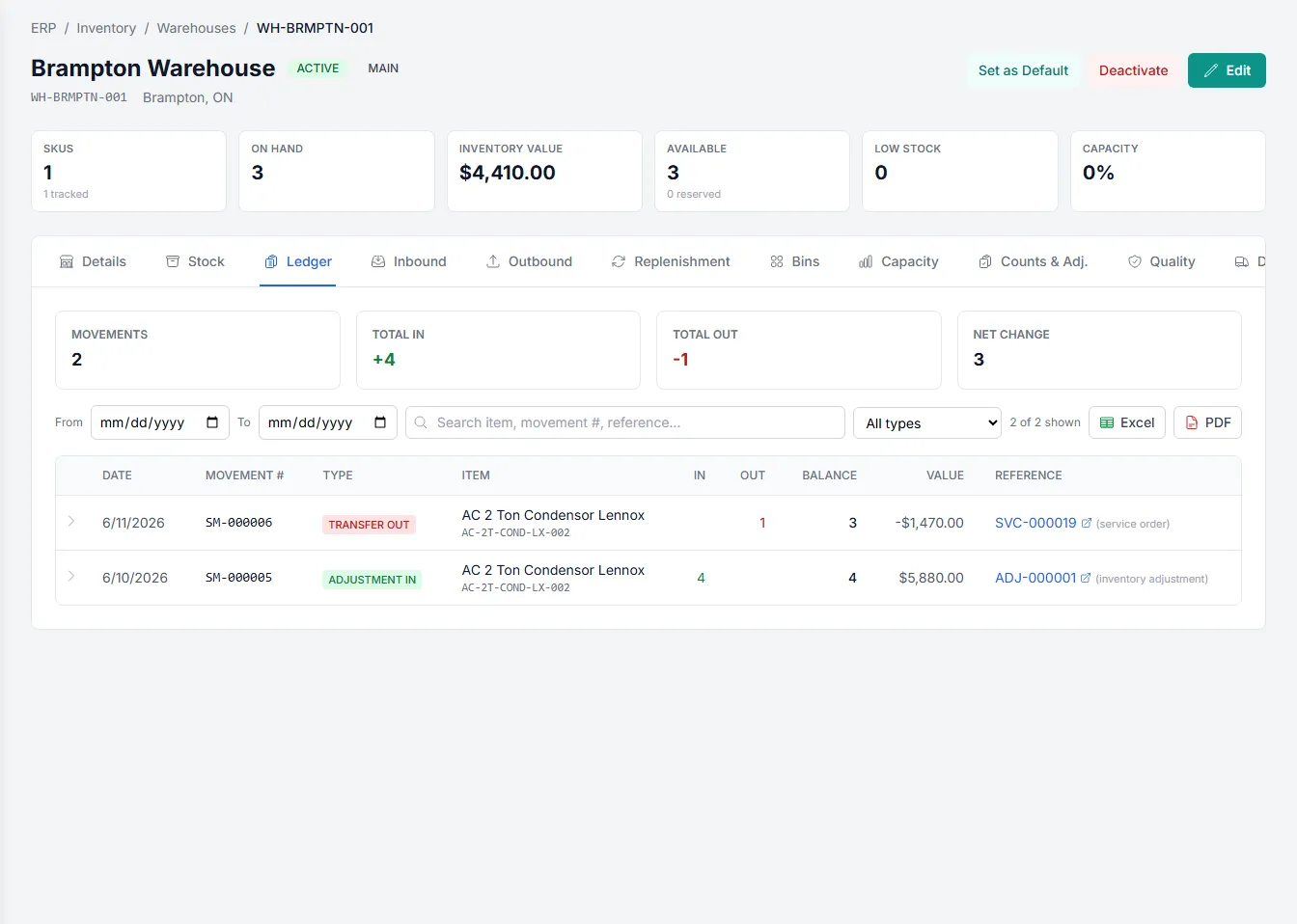
Keep stock moving and the books matching
Stock movements and transfer orders record every relocation, whether across the aisle or between warehouses. Each action is captured as a tracked document with a full history, so quantities stay accurate and every change is auditable.
- Movements handle bin-to-bin relocations
- Transfer orders track between warehouses
- Full history behind every quantity change
Built into Warehouse Management
Barcode scan-receive
Post goods receipts by scanning barcodes on a mobile device at the dock.
Bin locations
Track inventory down to individual bins within each warehouse.
Idempotent receiving
Retry or replay scans safely without ever creating duplicate receipts.
Variance tracking
Record over- and under-receipt against the quantity each line expected.
Transfer orders
Move stock between warehouses on a single tracked document.
Physical counts
Reconcile system quantities against counted stock and post adjustments.
Integrates with your existing tools


Questions about Warehouse Management
A mobile scan-receive endpoint lets warehouse staff receive a purchase order line by line by scanning barcodes on a handheld device. Each scan posts to the goods receipt and can capture the receiver and bin at the same time, so receiving happens on the floor rather than back at a desk.
Every scan-receive call carries an idempotency key, and the receipt only records each key once. A dropped connection, a retry, or an accidental double-tap will not double-count the received quantity.
Each received line is compared against the purchase order's open quantity, and the receipt tracks variance types including over-receipt and under-receipt. Damaged and wrong-item variances are recorded too, so discrepancies are visible before stock is put away.
Yes. Inventory is tracked to bin locations, so on-hand quantities are known at the bin level, not just per warehouse. Stock movements handle bin-to-bin relocations, transfer orders move stock between warehouses, and physical counts reconcile the system to the shelf.
See Warehouse Management on your own data
Book a free AI workshop and we'll set up a sandbox with your real data so you can judge it for yourself, before you commit to anything.